

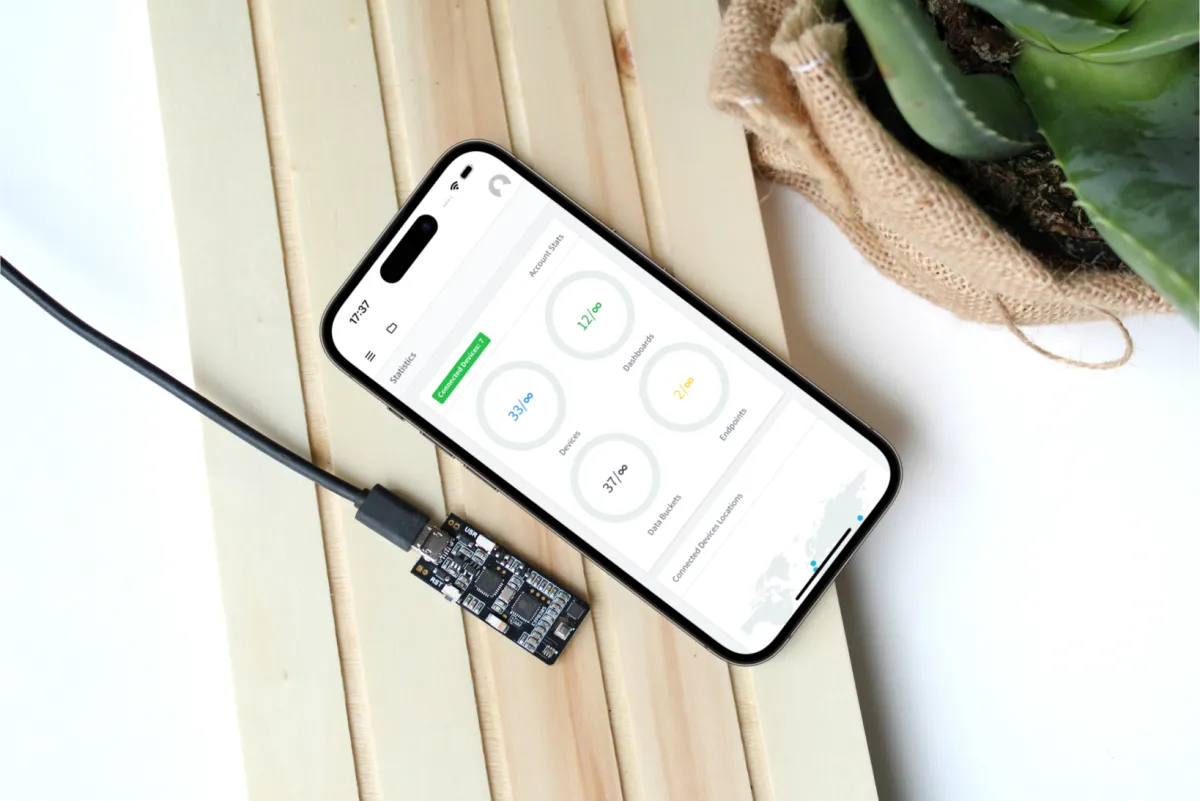
The Thinger.io mobile app brings the console to your phone: the same devices, dashboards, Data Buckets and settings as on the web, in a native app for iOS and Android. It works with the free Cloud account and with private instances.
When to use it
- To check your devices and dashboards away from your computer.
- To control a device from a dashboard on your phone.
- To give the users of a private instance an app instead of a web address.
Install the app


- iOS: Thinger.io on the App Store.
- Android: Thinger.io on Google Play.
Sign in to the free Cloud account
Open the app and sign in with your username and password. The app connects to the free Cloud account (iot.thinger.io) by default.
Sign in to a private instance
Open the host settings
On the sign-in screen, tap Settings. The Configure your Host screen opens.
Set your server
Type your server in Hostname (
YOUR_SERVER, withouthttps://), keep Secure Connection on and tap Update.Sign in
Tap Back to application and sign in with your user on that instance.
What the app includes
The app is the console: the main menu, Statistics, Devices, Dashboards, Data Buckets and the rest of the sections work as described in the Console tour. These parts are web only:
- The interfaces of installed plugins (the second Plugins group of the menu).
- The upgrade options of the free Cloud account.
White-label app
Companies can give their users the app with their own brand instead of the Thinger.io one: their colors, their logo and icons, and the features their users need. The white-label app is arranged with Thinger.io; contact sales to discuss it. To brand the web console of a private instance, see White-label the console.
Limits
- One server at a time: to switch between the free Cloud account and a private instance, change the host in Settings.