

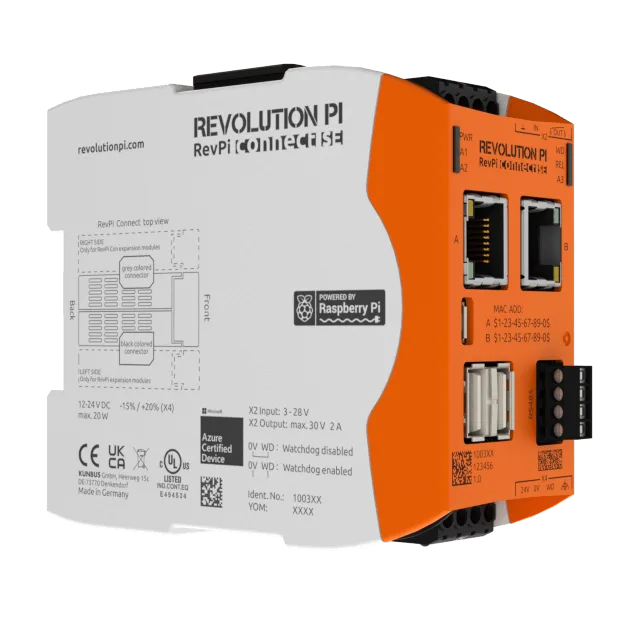
This guide connects a Kunbus Revolution Pi (RevPi) to Thinger.io and makes its local web tools, PiCtory and Node-RED, available from the console. The RevPi is an industrial PC for DIN rail built on the Raspberry Pi Compute Module, and it runs a Raspberry Pi OS image, so it connects with the standard Linux client.
Before you start
- A Thinger.io account.
YOUR_SERVERisiot.thinger.ioon the free Cloud account, or the hostname of your private instance. - A RevPi with network access and a shell on it (SSH or a local console).
Steps
Connect the RevPi with the Linux client
Create an IOTMP device for the RevPi and install the Linux client on it, as a service, following Linux. The device shows as connected in Devices when the client starts.
Open its terminal
The Linux client gives the device a terminal and a file browser with no extra setup. Open the device and choose Terminal in its menu to get a shell on the RevPi. See Remote tools.
Create a product for your RevPi units
Go to Products and create a product for your RevPi units, then assign the device to it. The product holds the services of the next step, so every RevPi of the product gets them. See Products.
Add PiCtory and Node-RED as services
PiCtory, the configuration tool of the RevPi, and Node-RED, which the RevPi includes with the node-red-contrib-revpi-nodes nodes to read and write its I/O, are web applications that run on the RevPi itself. Expose them as product services: open the product, go to Services and click Add for each one.
Field PiCtory Node-RED Service Identifier pictorynode_redService Type Web Service Web Service Target Hostname 127.0.0.1127.0.0.1Target Port 410801880SSL/TLS Off Off Name (on Settings) PiCtoryNode-RED127.0.0.1is the RevPi itself. The ports are those of a standard RevPi image; if you changed them, use yours.Console
Fill in the fields of the table in the New Service dialog and click Create.
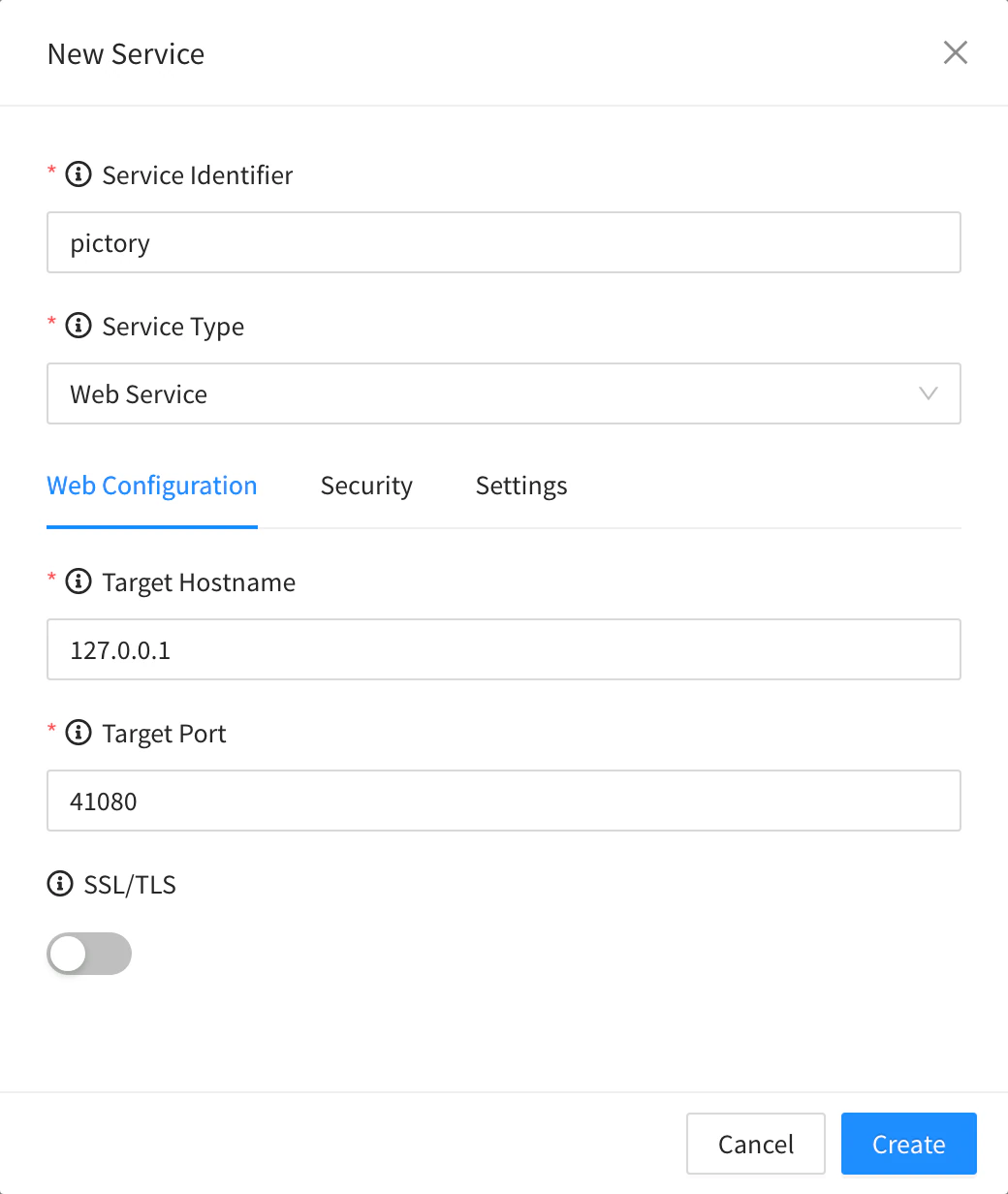
Web Service for PiCtory API
YOUR_USERis your username,YOUR_TOKENan access token of your account, andrevpithe ID of the product.bashcurl -X PUT "https://YOUR_SERVER/v1/users/YOUR_USER/products/revpi/services/node_red" \ -H "Authorization: Bearer YOUR_TOKEN" \ -H "Content-Type: application/json" \ -d '{ "type": "web", "name": "Node-RED", "enabled": true, "target": { "address": "127.0.0.1", "port": 1880, "secure": false } }'AI
Ask your AI agentAdd two web services to the product revpi: PiCtory on port 41080 and Node-RED on port 1880 of each device.
The agent uses
thinger_resource_createwith theproduct_servicetype. See MCP tools.
Result
The RevPi shows as connected in Devices. Its menu has Terminal, Explorer and two more entries, PiCtory and Node-RED, which open those tools inside the console without opening any port of the RevPi to the internet.