

Each Thinger.io plan sets which features your account or instance has and how many resources it can hold. This page explains the kinds of limits and which pages carry a plan label. The figures of each plan, and its price, are on the pricing page.
Plans
| Plan | What it is |
|---|---|
| Free Cloud account | An account on the shared server iot.thinger.io, to learn and prototype. It does not include plugins or the Administration features. |
| Small, Medium, Large | Paid Thinger.io Cloud plans. Each one is a private instance with its own hostname and users. |
| Enterprise | Includes on-premise, which is coming soon. |
Kinds of limits
| Kind | Examples | Where you see it |
|---|---|---|
| Number of resources | Devices, Data Buckets, dashboards, endpoints, access tokens, products, projects and their members, plugins, proxies, OAuth2 clients | When the number is limited, the create form shows how many you have and how many you can create. Creating more fails with an error. |
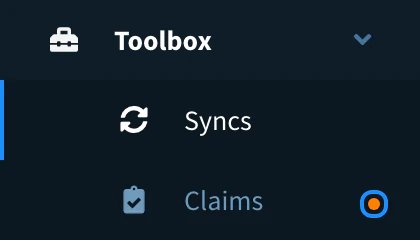
| Features that are on or off | Projects, domains, brands, identity providers, claims | The menu shows an orange dot next to the features your plan does not include. |
| Data | How long Data Buckets keep their data, the minimum interval between writes | The bucket settings. |
| Instance | Server size, user accounts, tenants (domains and brands), backups | The plan of your Cloud instance. |

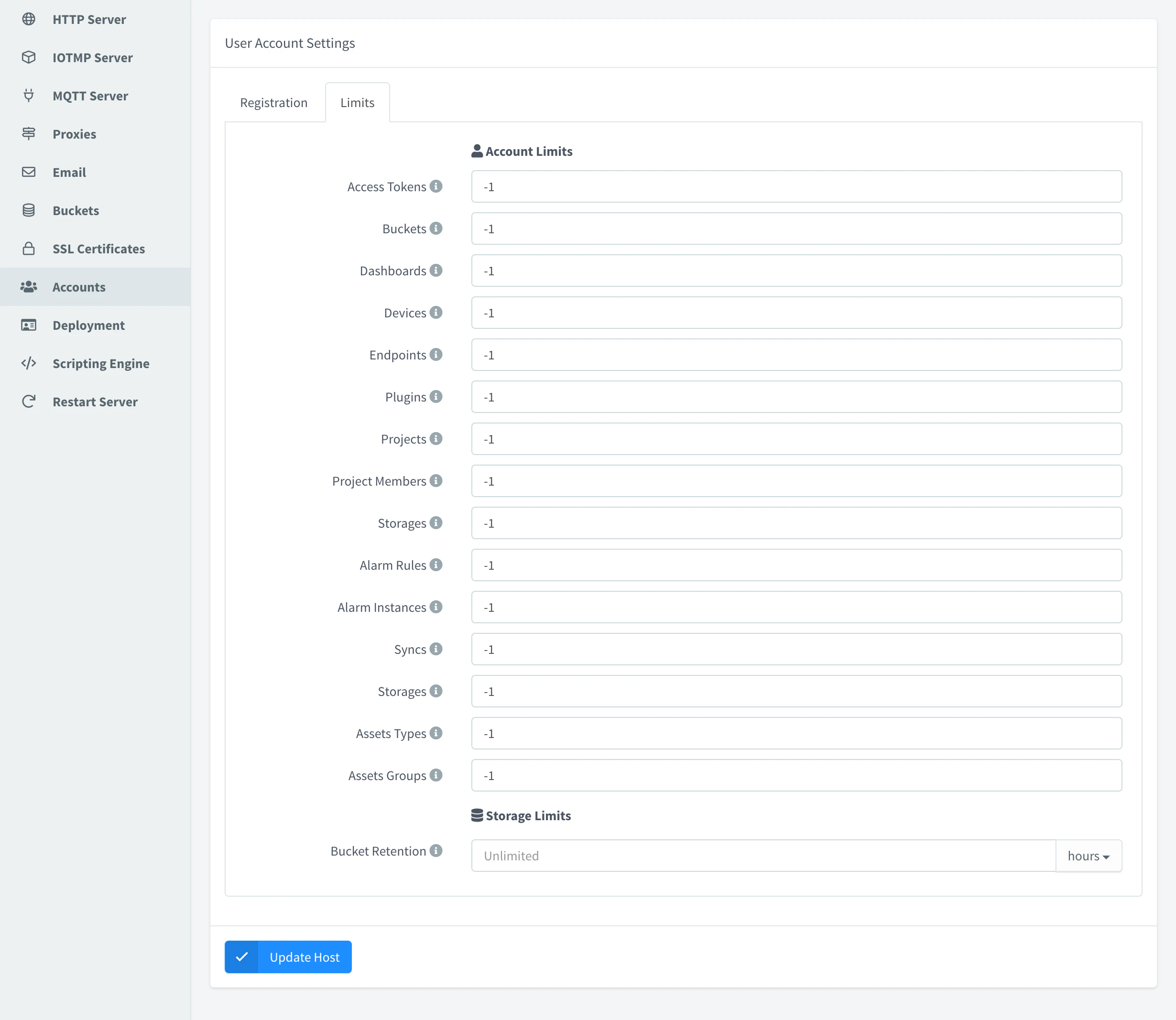
On a private instance, an administrator can set limits per account in User Accounts and default limits in the server settings, within what the plan of the instance allows.
To check the limits that apply to an account and how much of each it uses, call GET /v1/users/{user}/limits. See the REST API reference.
Plan labels in these docs
Pages about a feature that needs a given plan show a label in their header:
| Label | Pages |
|---|---|
| Medium plan and above | Domains, Brands, OAuth2 Clients, Proxies, customers and sub-accounts |
| Large plan and above | Identity Providers, included daily backups |
| Enterprise | On-premise |
| Not available on free Cloud | Plugins |
Pages without a label work on every plan, within its limits.
Change your plan
To raise a limit of a Cloud instance, change its plan in the billing portal. Compare the plans on the pricing page.