

The Settings tab of each host in Cluster Hosts holds the configuration of the server: its ports, mail, storage, TLS, accounts and security headers. Changes apply after you restart the host.
Change a setting
Console
Open the settings
Go to Administration > Cluster Hosts, click the host and open the Settings tab. Choose a section in the left menu.
Save the section
Change the fields and save the section. Each section is saved on its own.
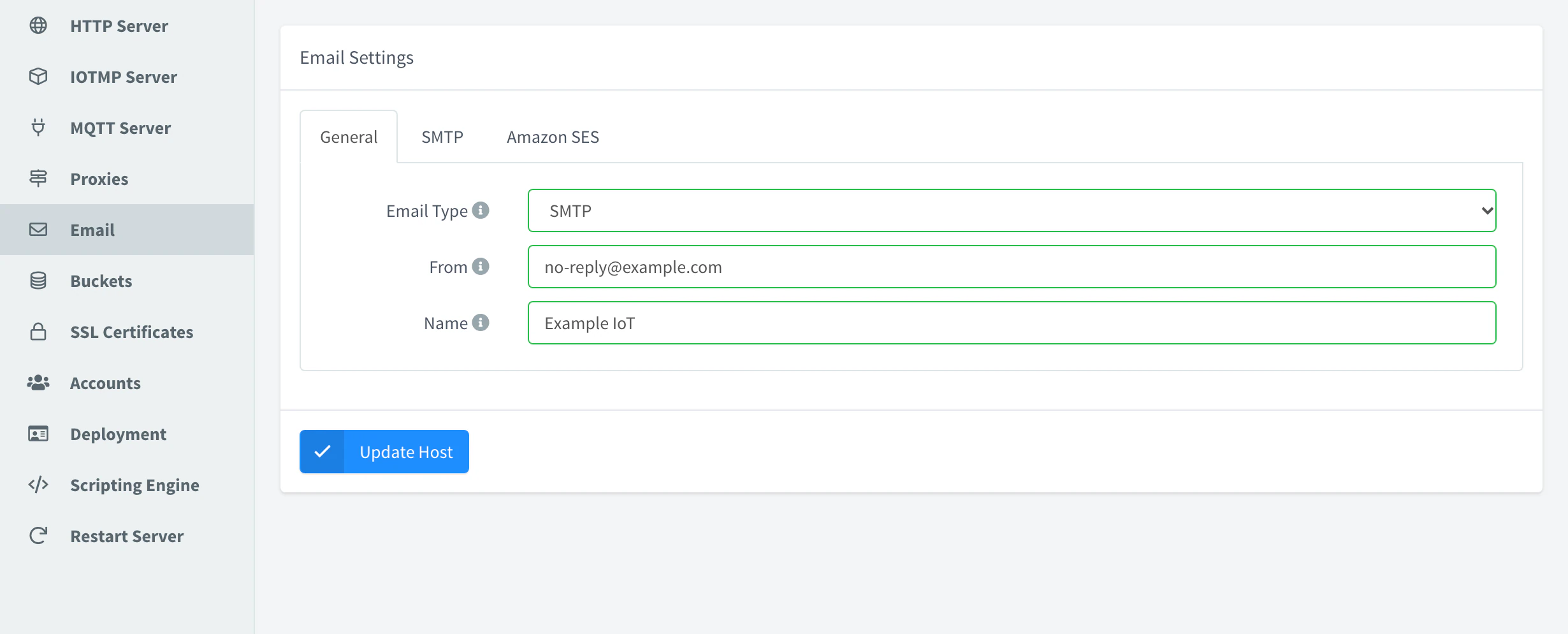
Email settings with SMTP Restart the server
Open Restart Server and click Restart Now to apply the changes.
API
GET /v1/hosts/{host}/settings reads the settings; PUT merges the body into them: send only the sections you change, and null to remove a value and return to the default. Ports are strings. YOUR_SERVER is the hostname of your instance, YOUR_TOKEN an access token of an administrator, and server-1 the host ID.
curl -X PUT "https://YOUR_SERVER/v1/hosts/server-1/settings" \
  -H "Authorization: Bearer YOUR_TOKEN" \
  -H "Content-Type: application/json" \
  -d '{"mqtt_server": {"port": "1884", "ssl_port": "8884"}}'
Then restart with POST /v1/hosts/{host}/restart.
CLI
The CLI has no commands for server settings. Use the console, the API or an agent.
AI
Configure the server to send its emails through smtp.example.com on port 587 with STARTTLS, from noreply@example.com. Ask me for the SMTP password, and restart the server only after I confirm.
The agent uses thinger_resource_call with the read_settings, update_settings and restart actions of the host. See MCP tools.
Warning
A wrong port, mail or sign-in setting can leave devices or users without access after the restart. Note the current value before you change it.
On instances installed by Thinger.io, that is every Cloud instance and every on-premise installation with a license, some settings belong to the plan or the license: the limits of accounts, brands, domains and members, the database of the server, plugins and rate limits. They are not shown in the settings, and the API answers 403 Forbidden if you try to change them; see Plans and limits.
HTTP Server
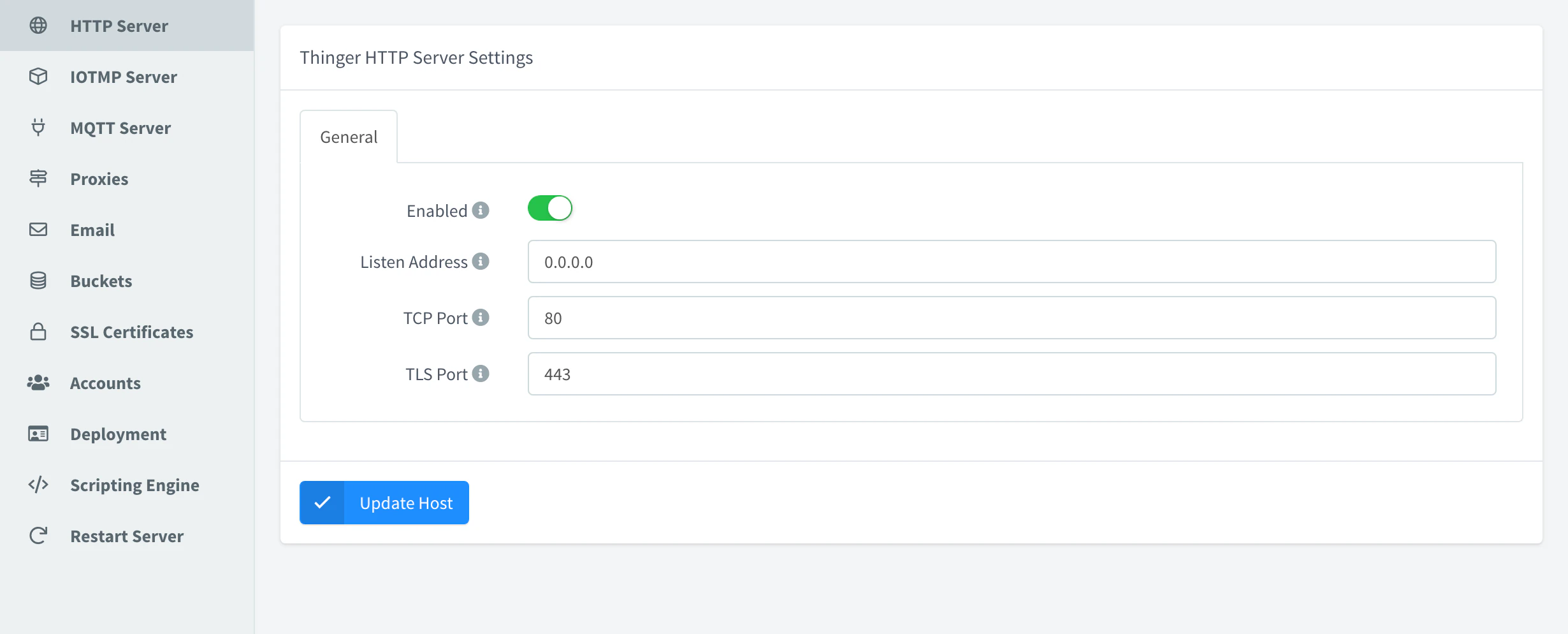
The REST API and the console. Key http_server.
| Field | Key | Description |
|---|---|---|
| Enabled | enabled | Serve the console and the REST API. On by default. |
| Listen Address | address | Address the server listens on, such as 0.0.0.0. |
| TCP Port | port | HTTP port. Default "80". |
| TLS Port | ssl_port | HTTPS port. Default "443". |
Keep the HTTP server enabled
With Enabled off, after the restart the server does not open its HTTP ports: there is no console and no REST API to turn it on again, and HTTP devices and plugins stop working. To recover the instance, contact Thinger.io support.
IOTMP Server
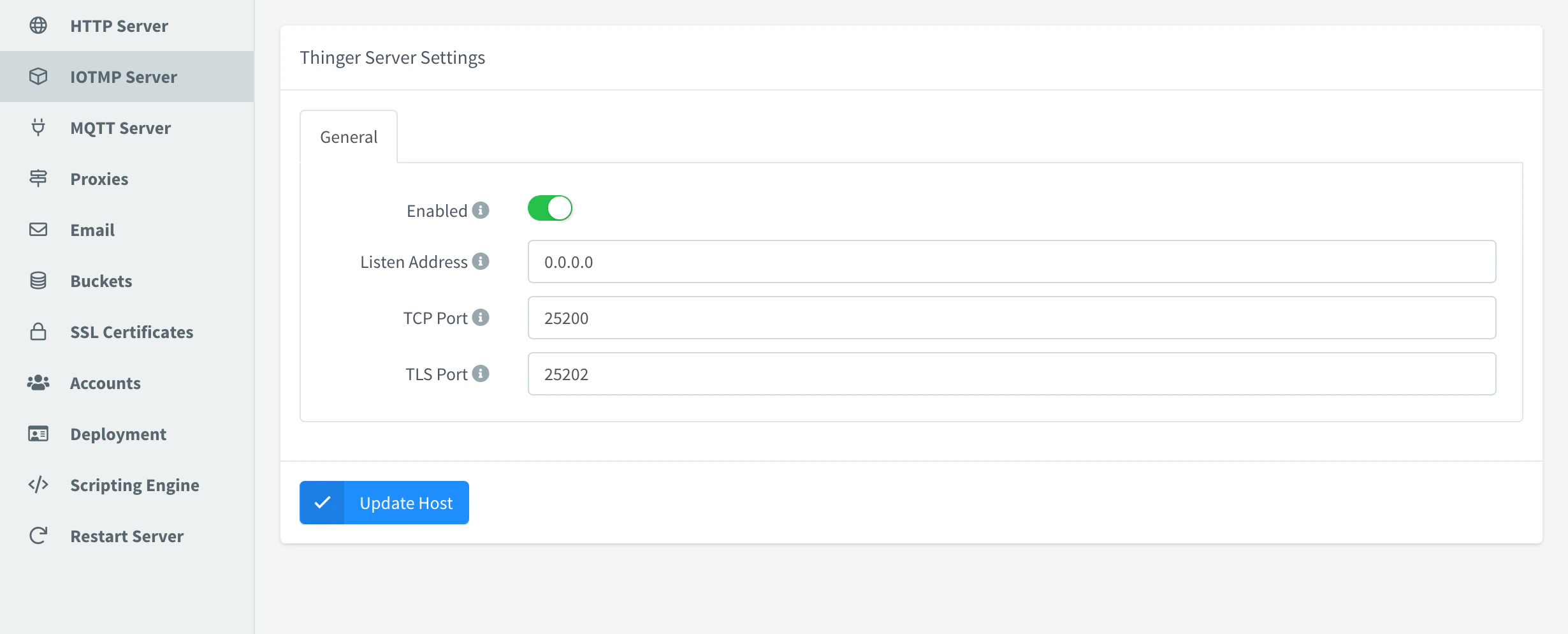
The device connections of the Thinger.io libraries. Key thing_server.
| Field | Key | Description |
|---|---|---|
| Enabled | enabled | Accept IOTMP devices. |
| Listen Address | address | Address the server listens on. |
| TCP Port | port | Plain port. Default "25200". |
| TLS Port | ssl_port | TLS port. Default "25202". |
| — | port_v2, ssl_port_v2 | Ports of IOTMP version 2, plain and TLS. Defaults "25204" and "25206". Only in the API. |
MQTT Server
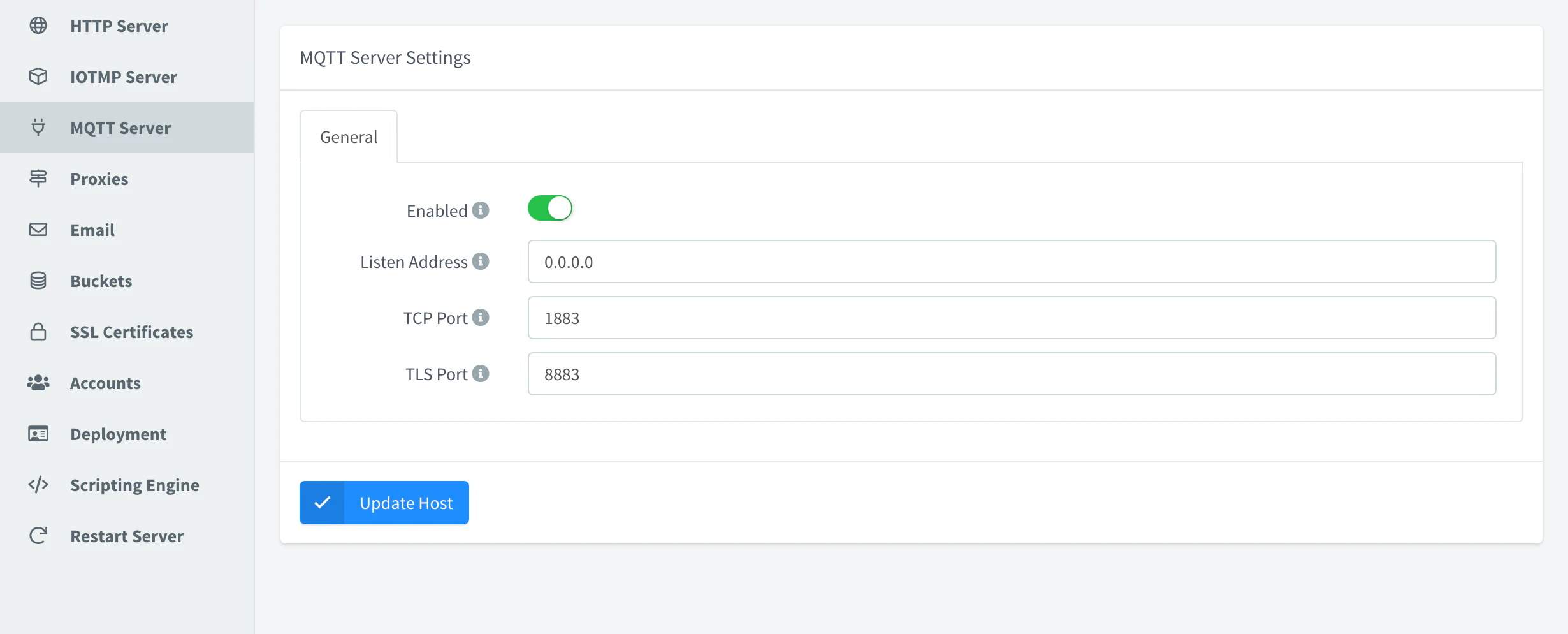
The MQTT broker for devices. Key mqtt_server.
| Field | Key | Description |
|---|---|---|
| Enabled | enabled | Accept MQTT devices. |
| Listen Address | address | Address the broker listens on. |
| TCP Port | port | Plain port. Default "1883". |
| TLS Port | ssl_port | TLS port. Default "8883". |
Proxies
Key proxies.
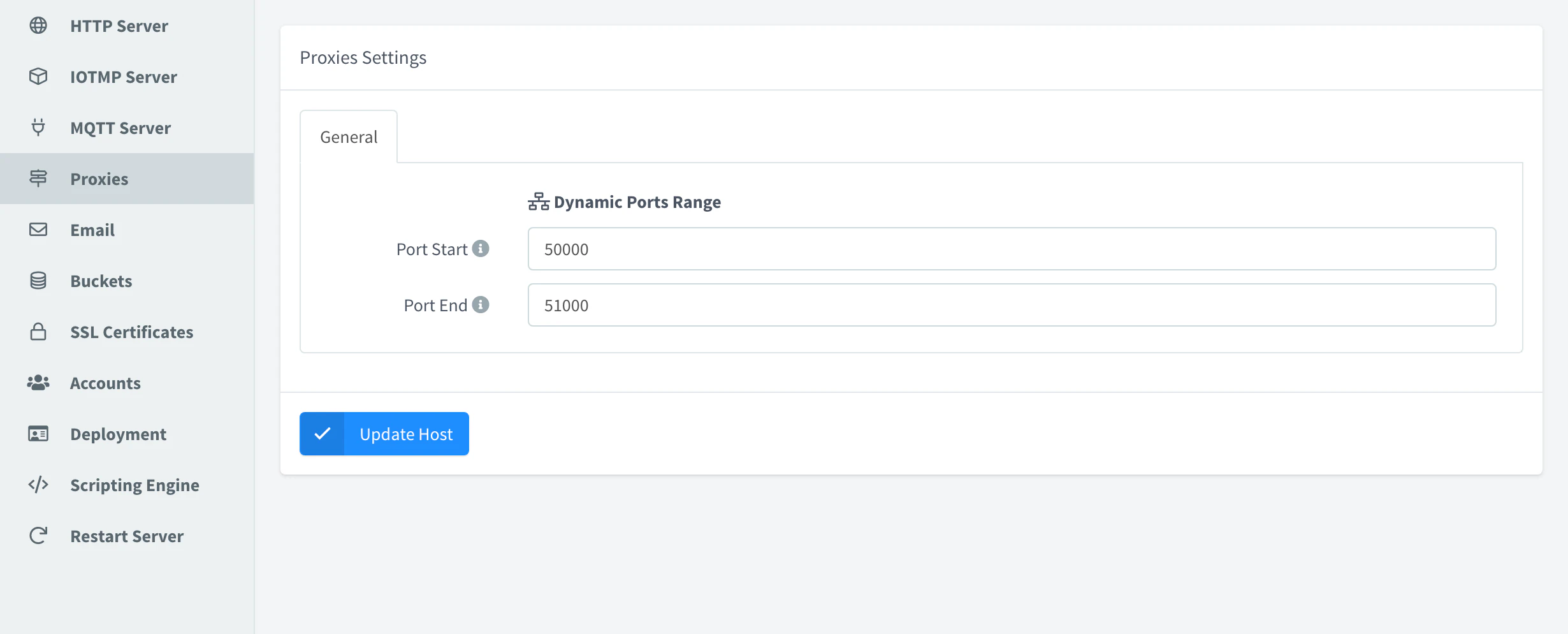
| Field | Key | Description |
|---|---|---|
| Port Start | dynamic_port_range_start | First port given to proxies without a fixed port. Default 50000. |
| Port End | dynamic_port_range_end | Last port of the range. Default 51000. |
Email
The mail the server sends (account verification, password reset, account creation, device disabled) when the brand of the hostname has no mail of its own. Key email.
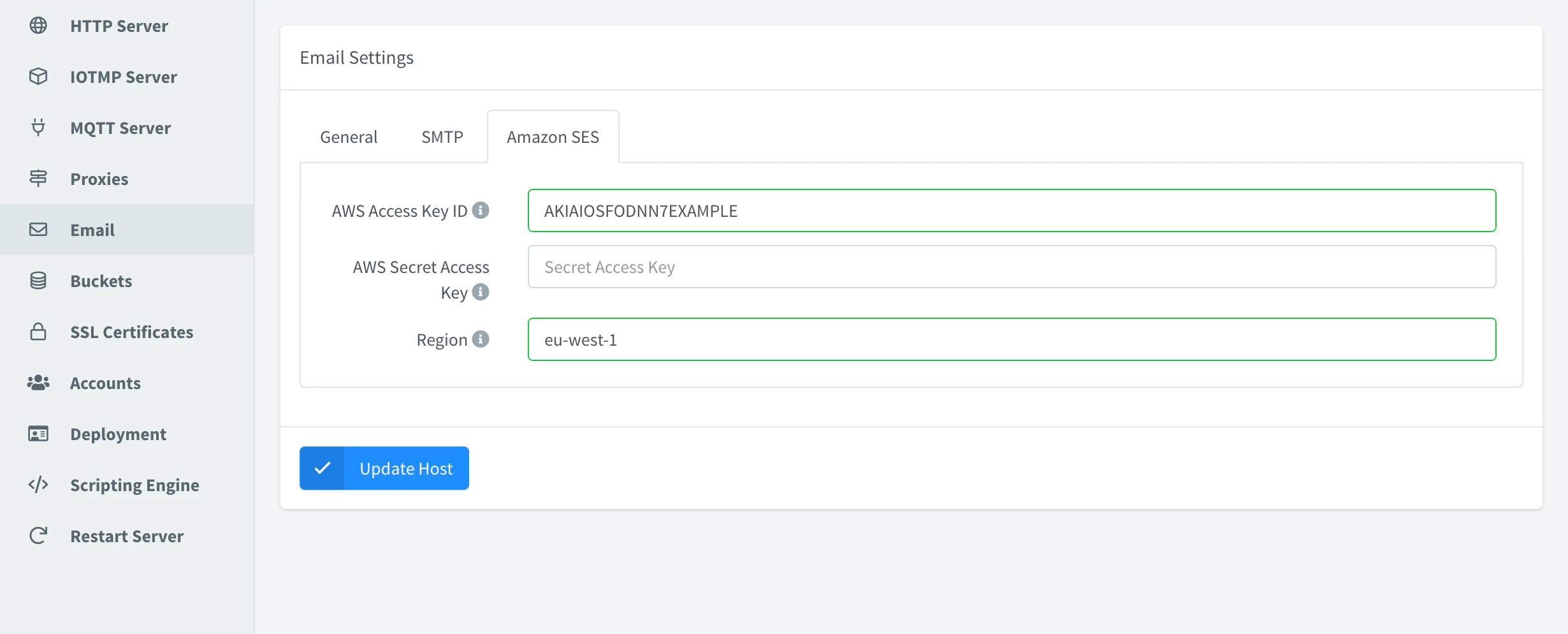
| Field | Key | Description |
|---|---|---|
| Email Type | type | None, SMTP (smtp) or Amazon SES (ses). |
| From, Name | from, from_name | Sender address and name. |
| Host, Port | smtp.host, smtp.port | SMTP server and port, as a string ("587"). |
| Username, Password | smtp.username, smtp.password | SMTP credentials. |
| SSL/TLS Connection | smtp.secure | On: TLS from the start (usually port 465). Off: the server must offer STARTTLS (usually 587). |
| AWS Access Key ID, AWS Secret Access Key, Region | ses.aws_access_key_id, ses.aws_secret_access_key, ses.aws_region | Amazon SES credentials and region. |
Buckets
Where Data Buckets keep their data and where their exports are written. Key buckets.
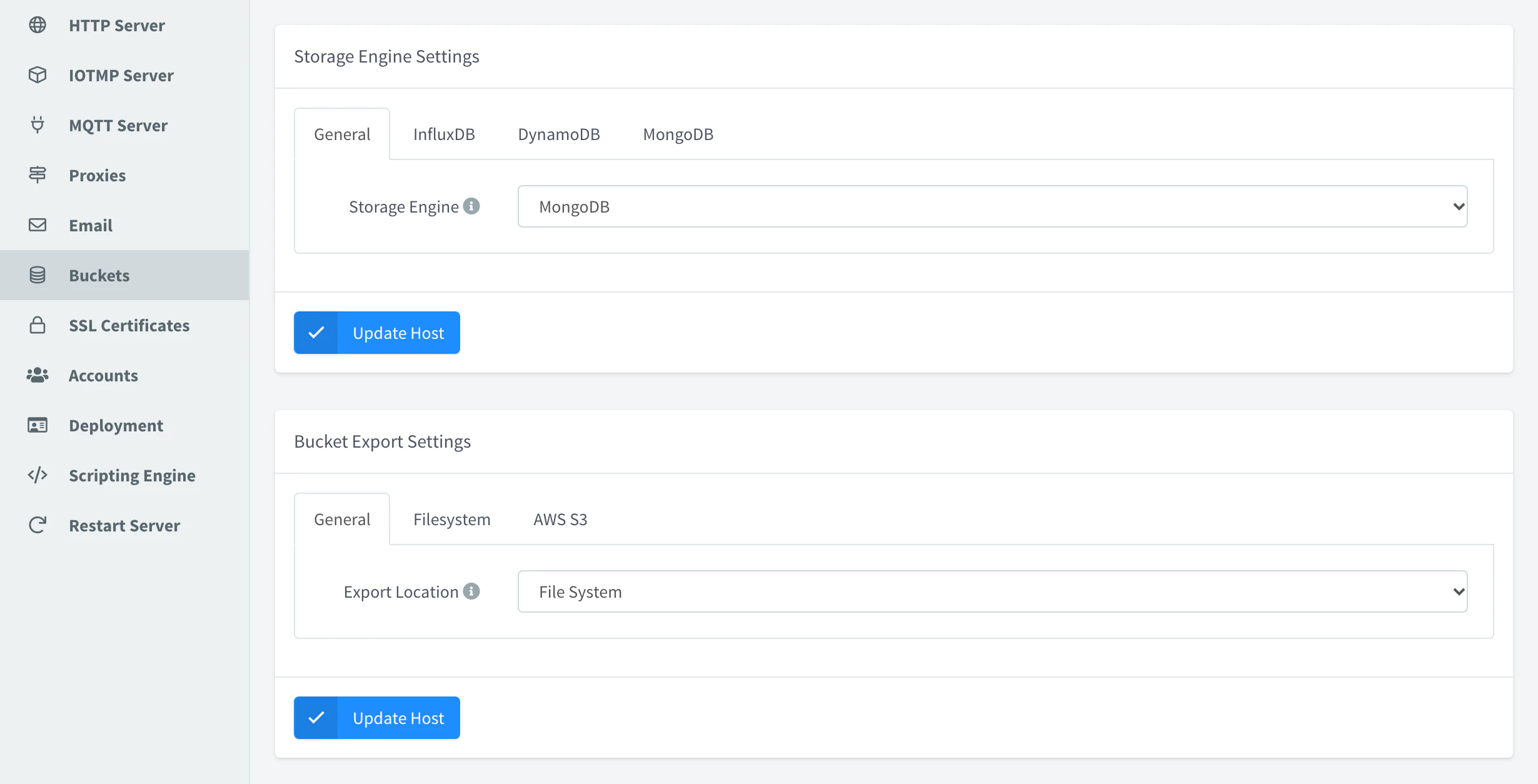
| Field | Key | Description |
|---|---|---|
| Storage Engine | storage.default | Engine of new buckets: MongoDB (mongodb), InfluxDB (influxdb) or DynamoDB (dynamodb). It must be one of the engines the server starts. Keep it set: without a value, the server offers InfluxDB as the default even when it is not started. |
| — | storage.type | Engines the server starts, as a name or a list, such as ["mongodb", "dynamodb"]. Default "mongodb". Only in the API. |
GET /v1/server/buckets/backends returns the engines the server started, its default engine and their retention limits.
InfluxDB
Key buckets.storage.influxdb.
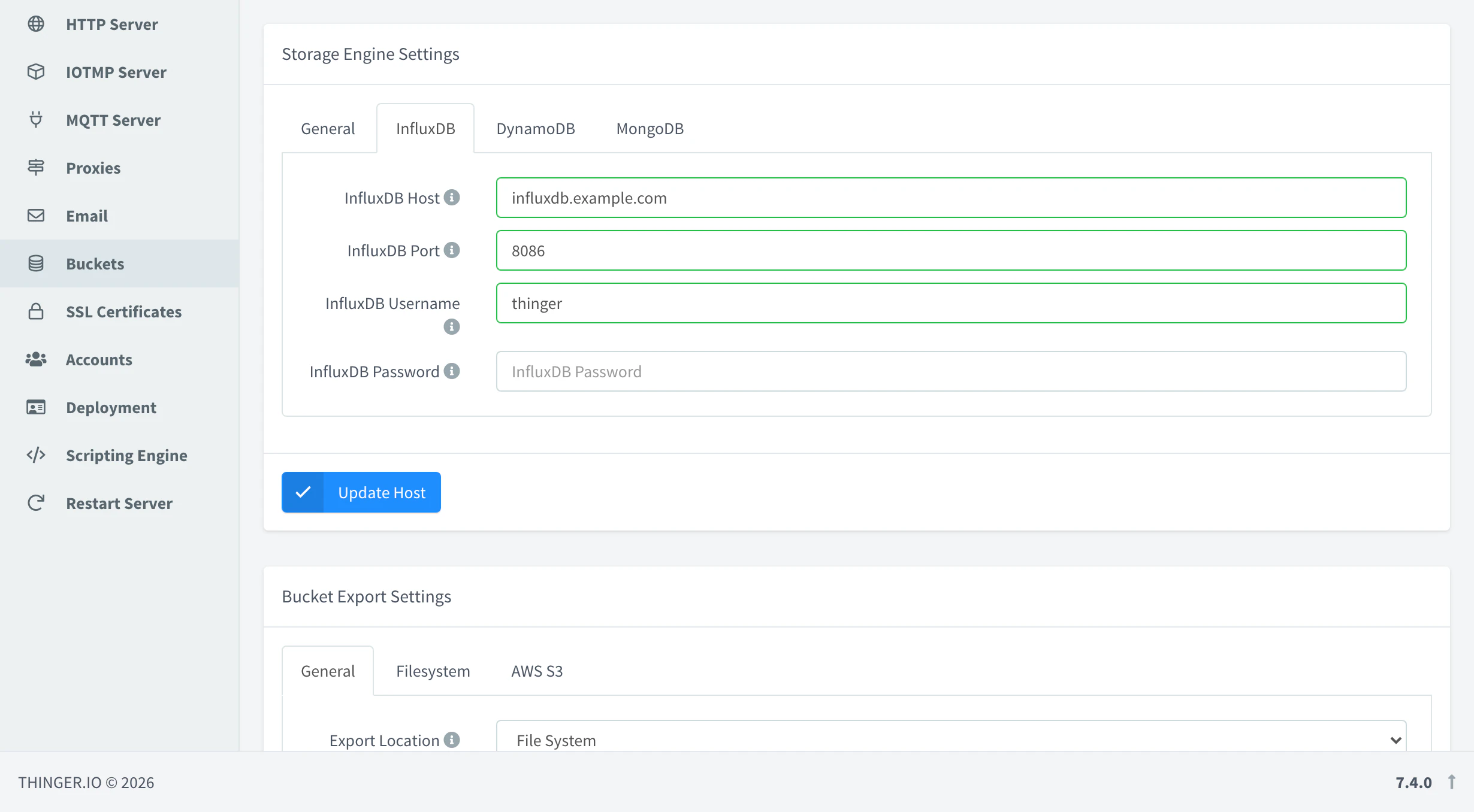
| Field | Key | Description |
|---|---|---|
| InfluxDB Host | host | Host of the InfluxDB server. Default localhost. |
| InfluxDB Port | port | Port of the InfluxDB server, as a string. Default "8086". |
| InfluxDB Username, InfluxDB Password | username, password | Stored with the settings. The server does not use them to connect to InfluxDB. |
DynamoDB
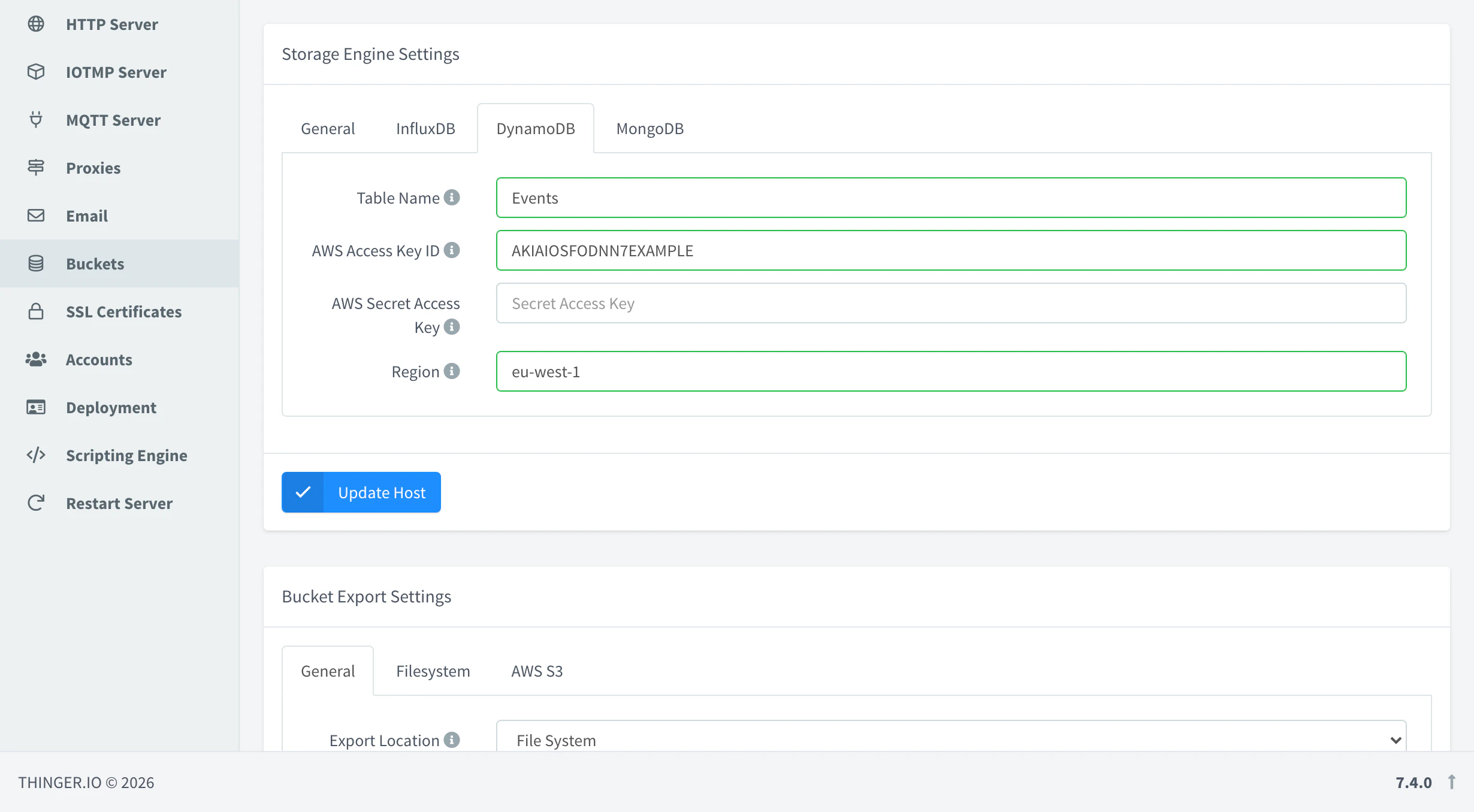
Key buckets.storage.dynamodb.
| Field | Key | Description |
|---|---|---|
| Table Name | table_name | DynamoDB table that keeps the data of every bucket. Default Events. |
| AWS Access Key ID, AWS Secret Access Key | aws_access_key_id, aws_secret_access_key | AWS credentials with access to the table. |
| Region | aws_region | AWS region of the table, such as eu-west-1. |
MongoDB
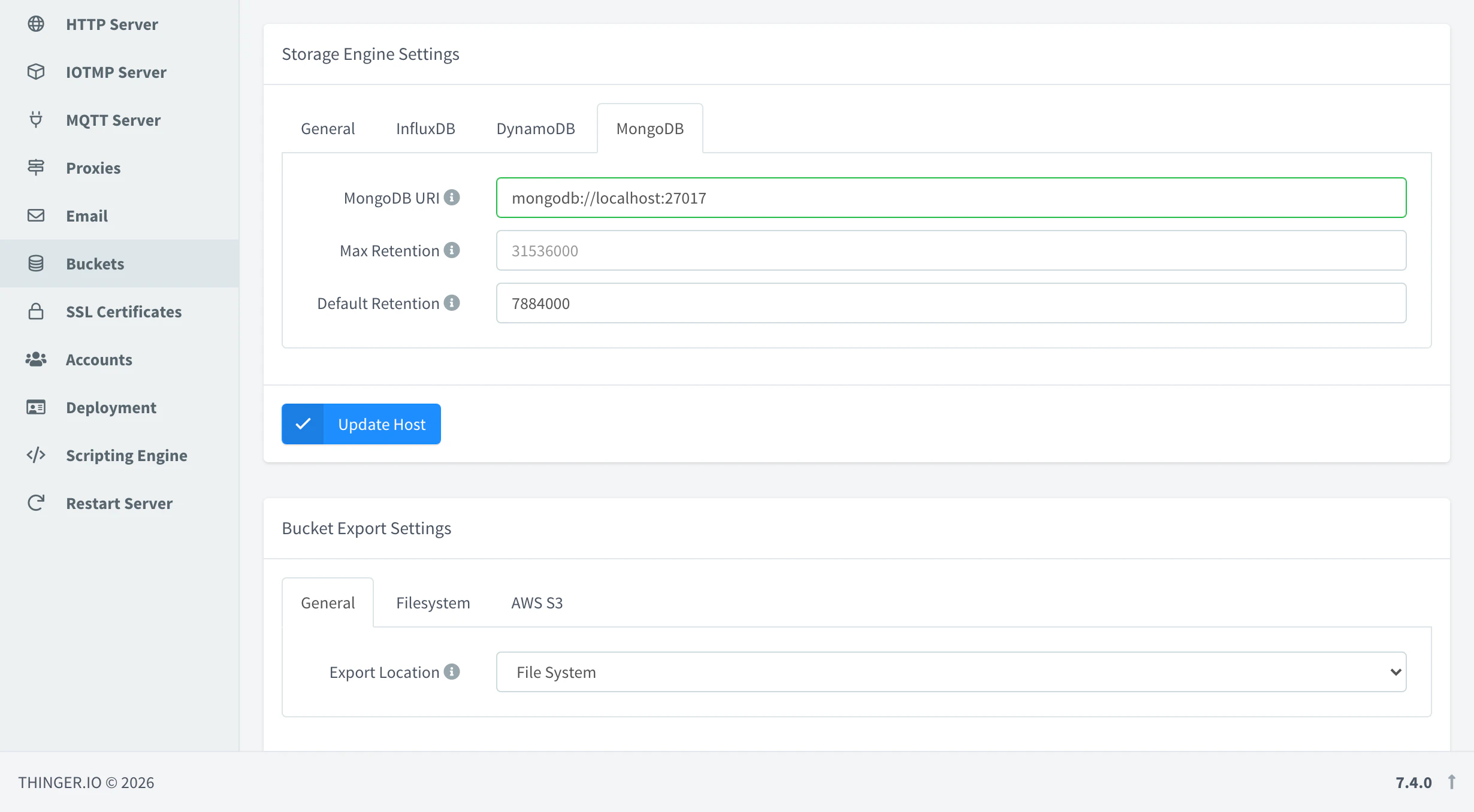
Key buckets.storage.mongodb.
| Field | Key | Description |
|---|---|---|
| MongoDB URI | connection_string | Stored with the settings, such as mongodb://localhost:27017. Data Buckets on MongoDB are kept in the database of the server, not at this URI. |
| Max Retention | max_retention | Longest retention a bucket can have, in seconds. 0 or empty: no limit. |
| Default Retention | default_retention | Retention new buckets get by default, in seconds, such as 7884000 (about three months). |
Bucket export
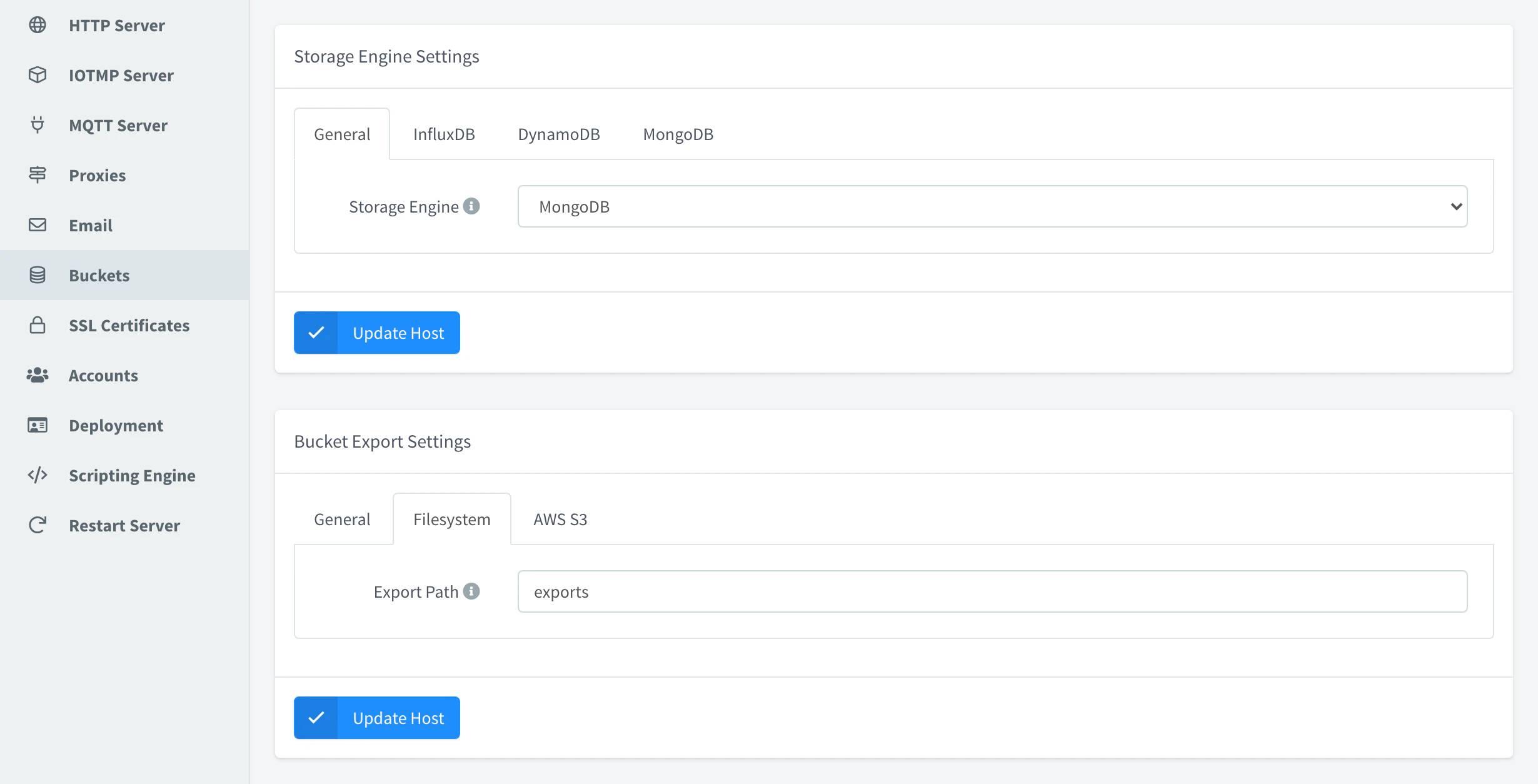
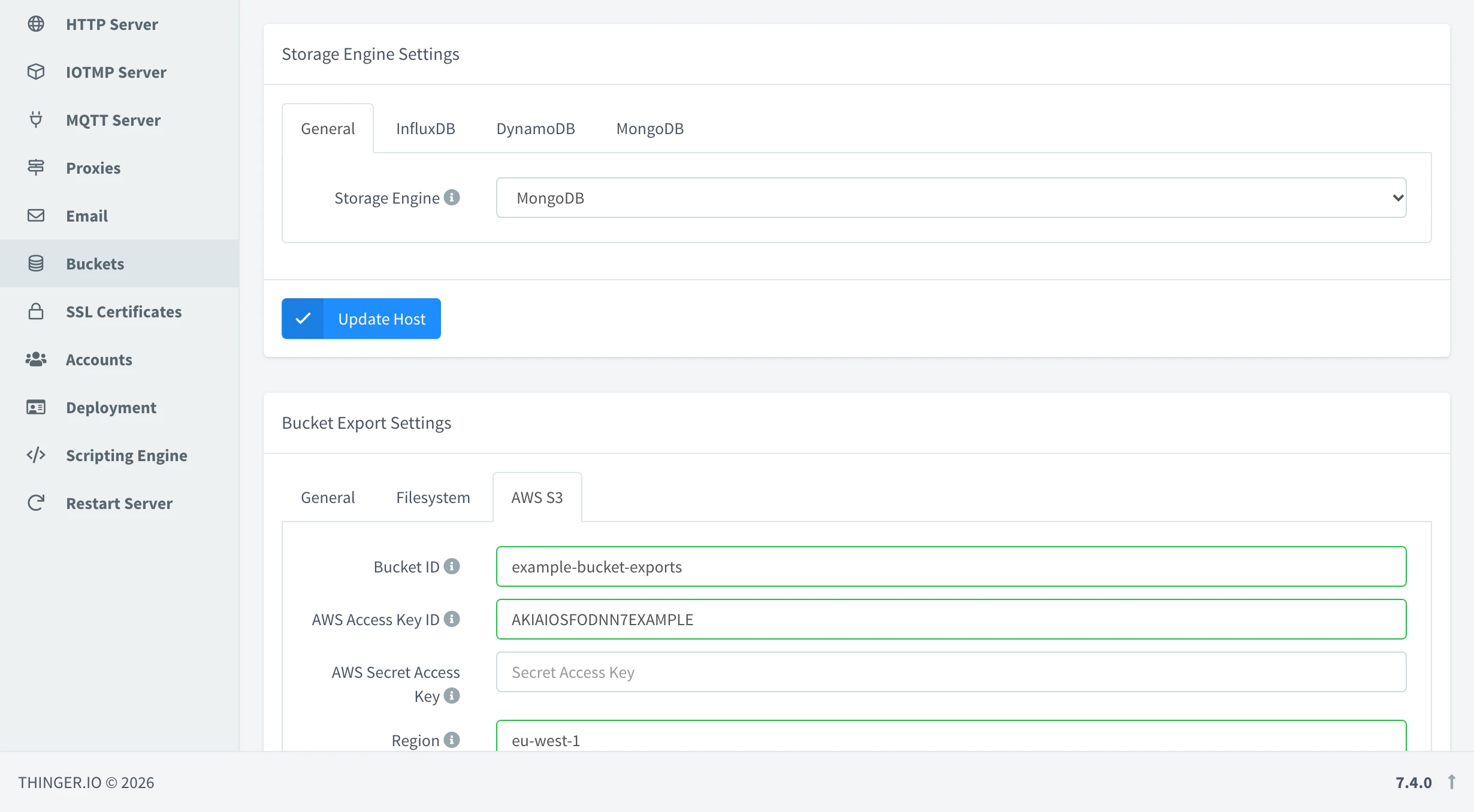
Where the exports of Data Buckets are written. Key buckets.export.
| Field | Key | Description |
|---|---|---|
| Export Location | type | File System (filesystem) or AWS S3 (s3). |
| Export Path | filesystem.export_path | Folder of the server where exports are written, such as exports. A relative path is inside the data folder of the server (/data/thinger on on-premise). |
| Bucket ID | s3.bucket_id | Name of the S3 bucket. |
| AWS Access Key ID, AWS Secret Access Key, Region | s3.aws_access_key_id, s3.aws_secret_access_key, s3.aws_region | AWS credentials with write access to the S3 bucket, and its region. |
SSL Certificates
TLS options of every TLS port. Key ssl. The certificates of the hostnames are managed in Domains.
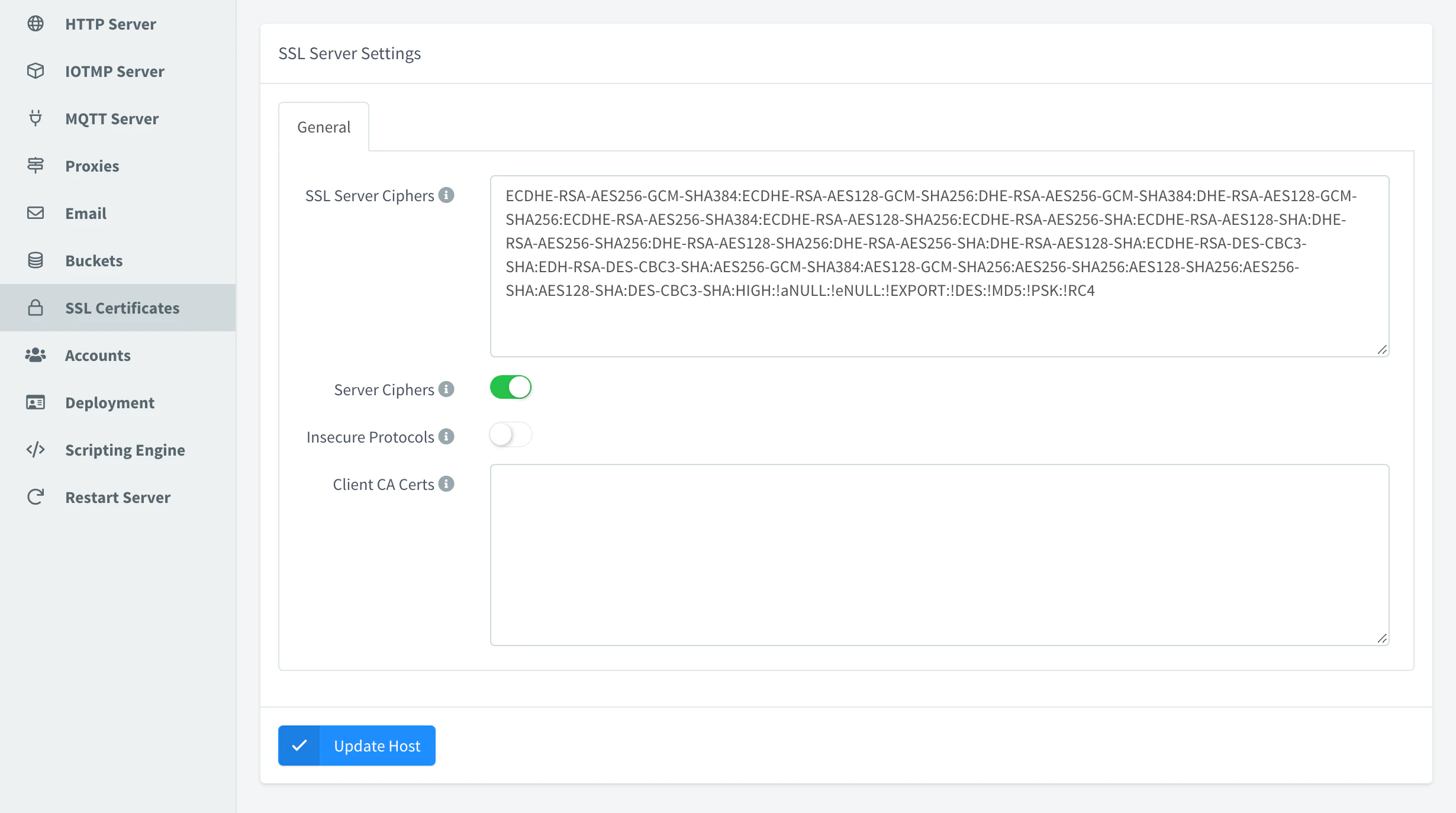
| Field | Key | Description |
|---|---|---|
| SSL Server Ciphers | ssl_ciphers | OpenSSL cipher list. |
| Server Ciphers | ssl_prefer_server_ciphers | Prefer the server's cipher order. |
| Insecure Protocols | ssl_enable_legacy_protocols | Accept TLS 1.0 and TLS 1.1, for old devices. |
| Client CA Certs | client_ca_certs | PEM certificates of the authorities whose client certificates the server accepts. |
Accounts
Sign-up, sign-in and default limits of the accounts. Key accounts. A brand can override the sign-up and sign-in options for its hostname.
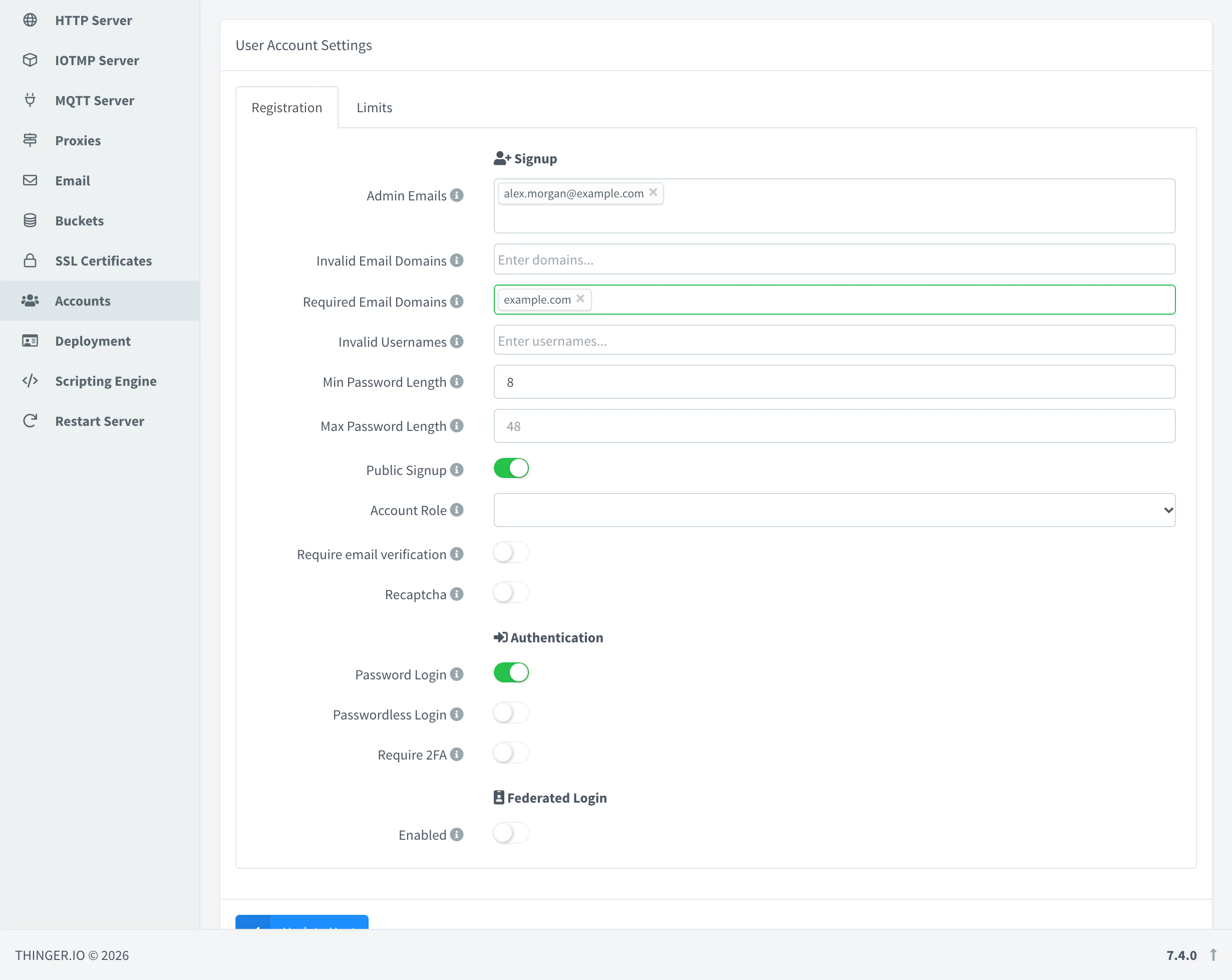
| Field | Key | Description |
|---|---|---|
| Admin Emails | admin_emails | Accounts registered with these emails become administrators. |
| Invalid Email Domains, Required Email Domains | invalid_email_domains, required_email_domains | Email domains rejected on sign-up, or the only ones accepted. |
| Invalid Usernames | invalid_usernames | Usernames that cannot be registered. |
| Min Password Length, Max Password Length | min_password_length, max_password_length | Password length rules. Defaults 8 and 48. |
| Public Signup | public_sign_up | Anyone can create an account. Account Role sets the role of new accounts: developer (user) or project member (member). |
| Require email verification | require_email_verification | New accounts must confirm their email. |
| Recaptcha | no_robot | reCAPTCHA on sign-up, with its secret. |
| Password Login, Passwordless Login | allow_password, allow_passwordless | Sign-in with password, or with passkeys. |
| Require 2FA | require_2fa | Every user must set up a second factor. |
| Federated Login | federated_login, identity_providers | Show the identity providers on the login page, all of them or the chosen ones. The Callback URL is the one to register at the provider. |
| Limits tab | limits | Default limits of every account: maximum number of access tokens, buckets, dashboards, devices, endpoints, plugins, projects, project members, alarm rules and instances, syncs, file storages, asset types and groups, and bucket retention. -1 is unlimited and 0 disables the feature. Each account can override them. |
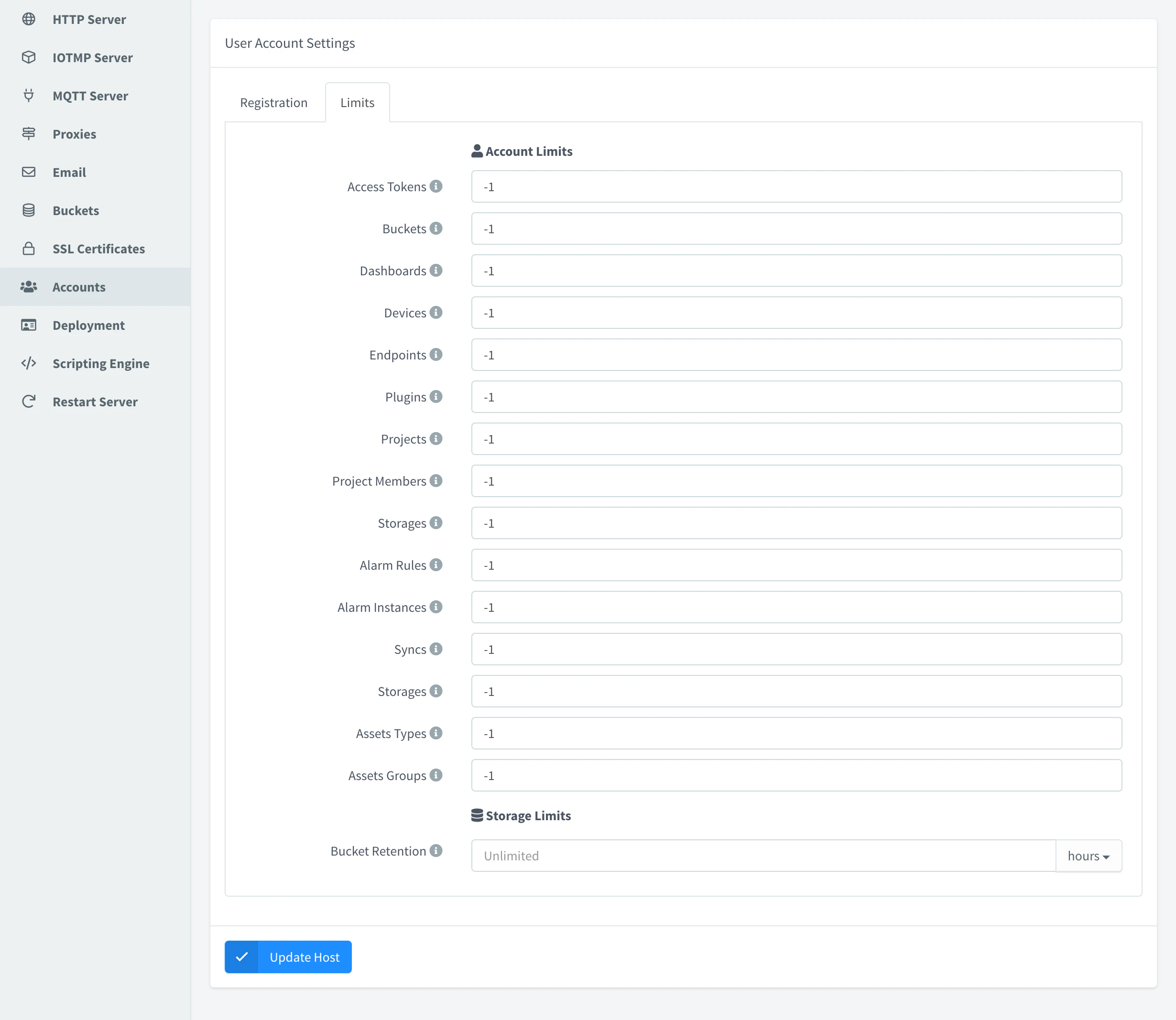
Some features are disabled until their limit is raised: projects, project members, domains, brands and identity providers. On a Cloud instance your plan sets them.
Deployment
Security headers and the contact of the instance. Key deployment.
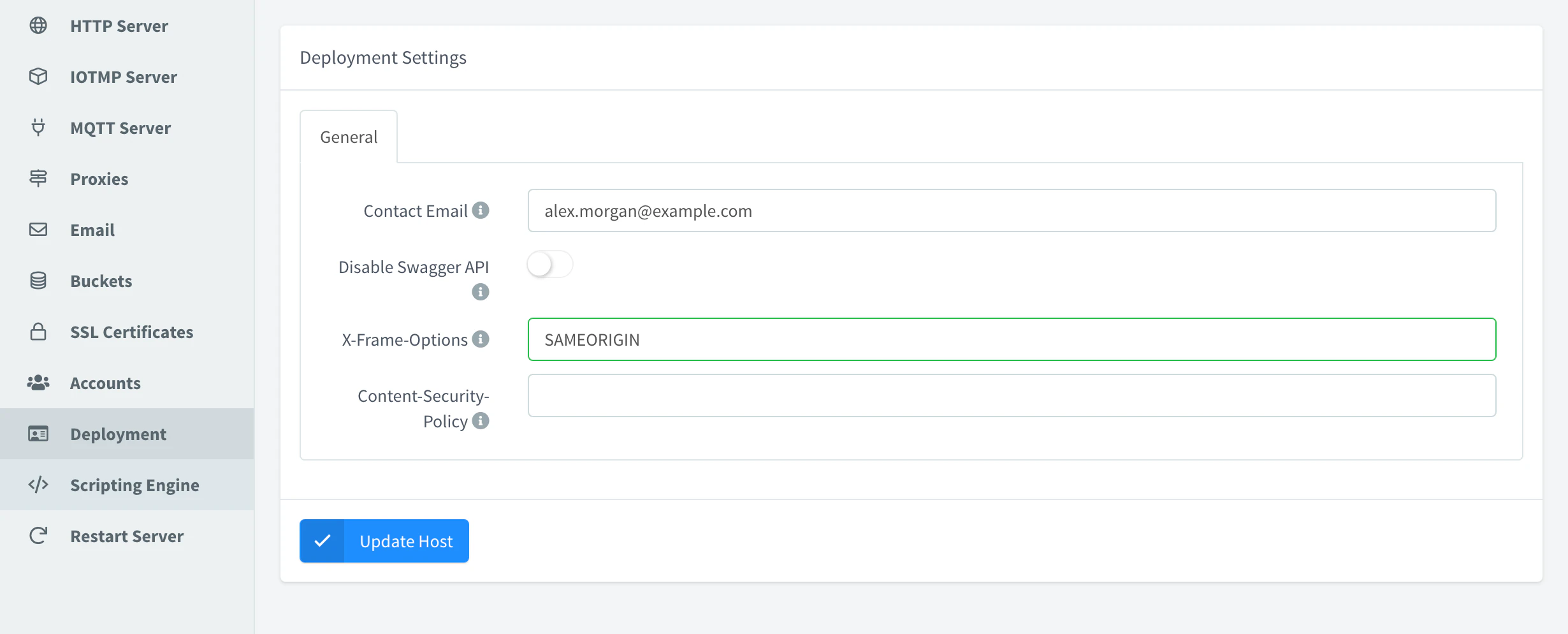
| Field | Key | Description |
|---|---|---|
| Contact Email | contact_email | The account registered with this email becomes administrator. It is also the administrator address in the email templates. |
| Disable Swagger API | disable_swagger | Hide the OpenAPI document at /v1/server/swagger.json. |
| X-Frame-Options | x_frame_options | Header that controls who can embed the console in a frame. Default SAMEORIGIN. |
| Content-Security-Policy | content_security_policy | Content Security Policy header of the console. |
Scripting Engine
Key scripting_engine.
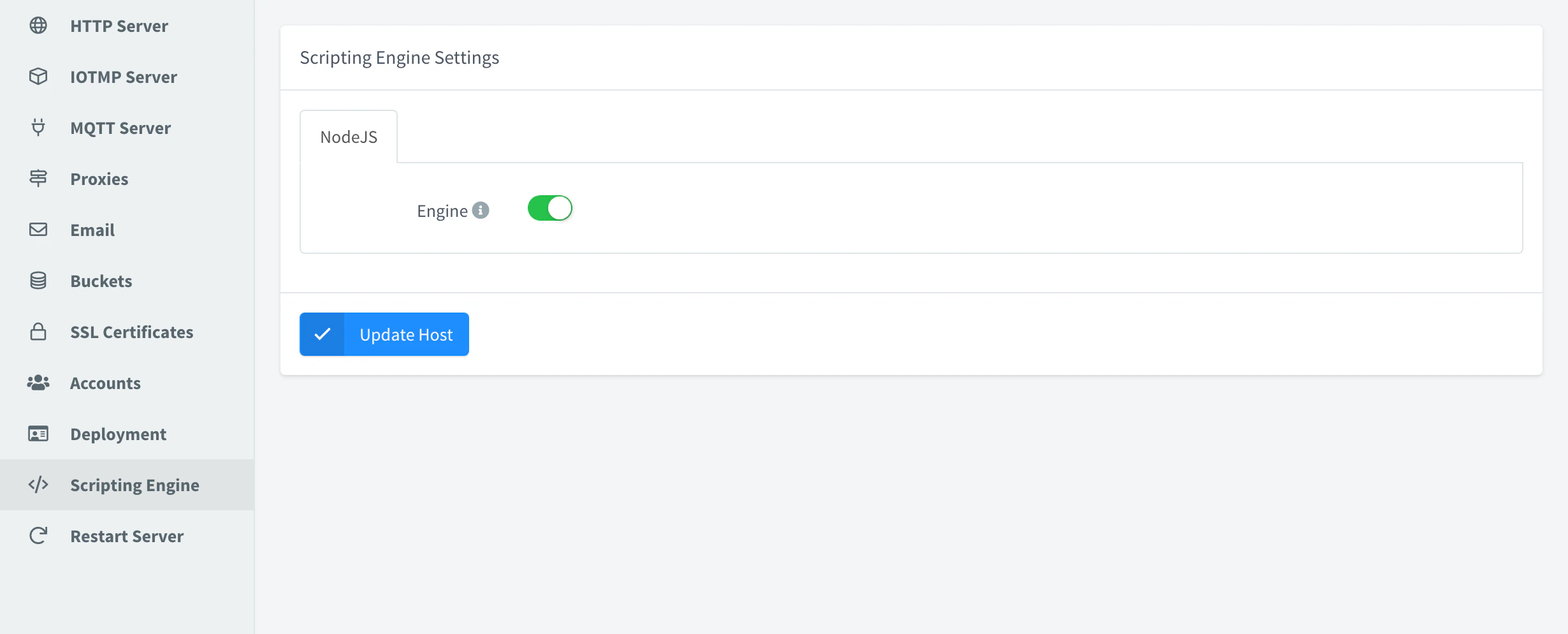
| Field | Key | Description |
|---|---|---|
| Engine | nodejs.enabled | Run the JavaScript code of products. |
Restart Server
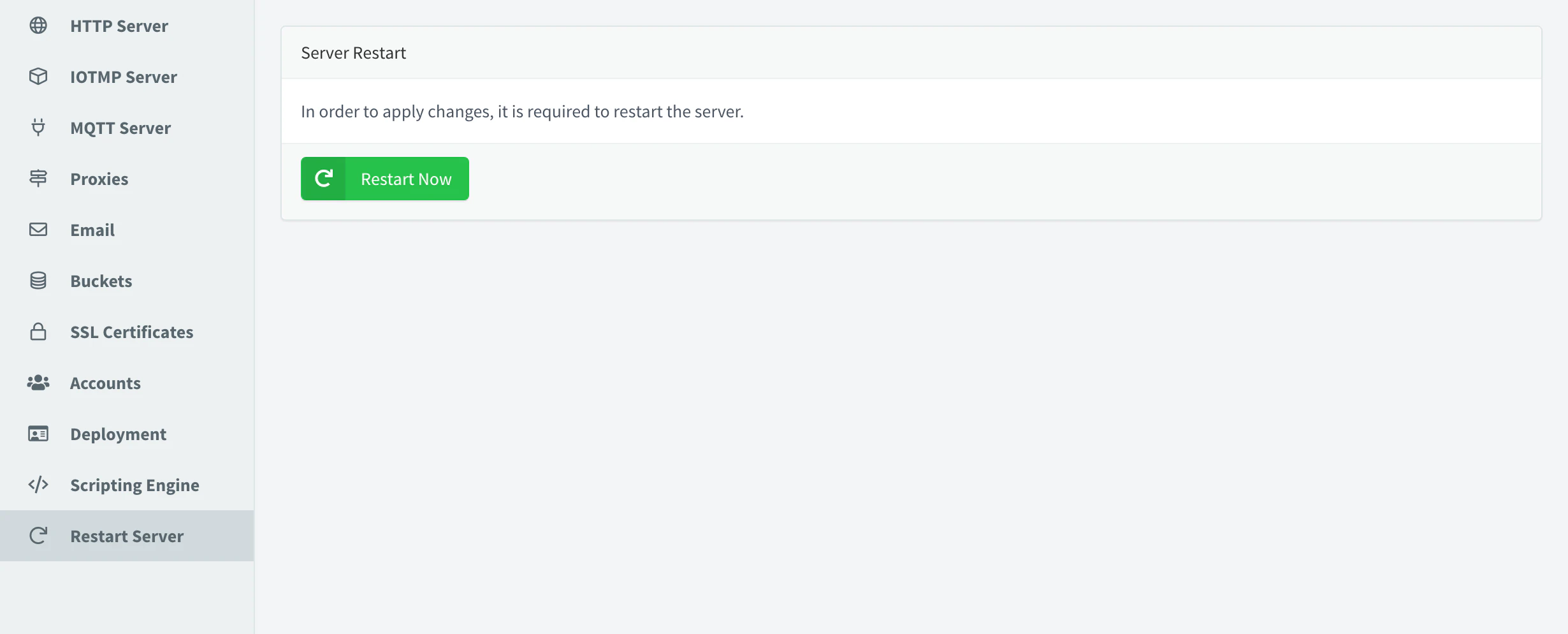
Applies the saved settings. See Restart a host.