

The Account menu of the console holds the settings of your own user account: the Profile other users see, the Properties stored on the account and the Security of your sign-in. Everything else you create (devices, buckets, dashboards) belongs to the account too, but is managed from its own menu.
| Menu entry | What you set there | Learn more |
|---|---|---|
| Account > Profile | Your picture, name, website, company and location, and the account properties. | Profile |
| Account > Security | Your password, multi-factor authentication and passkeys. | Security |
Profile
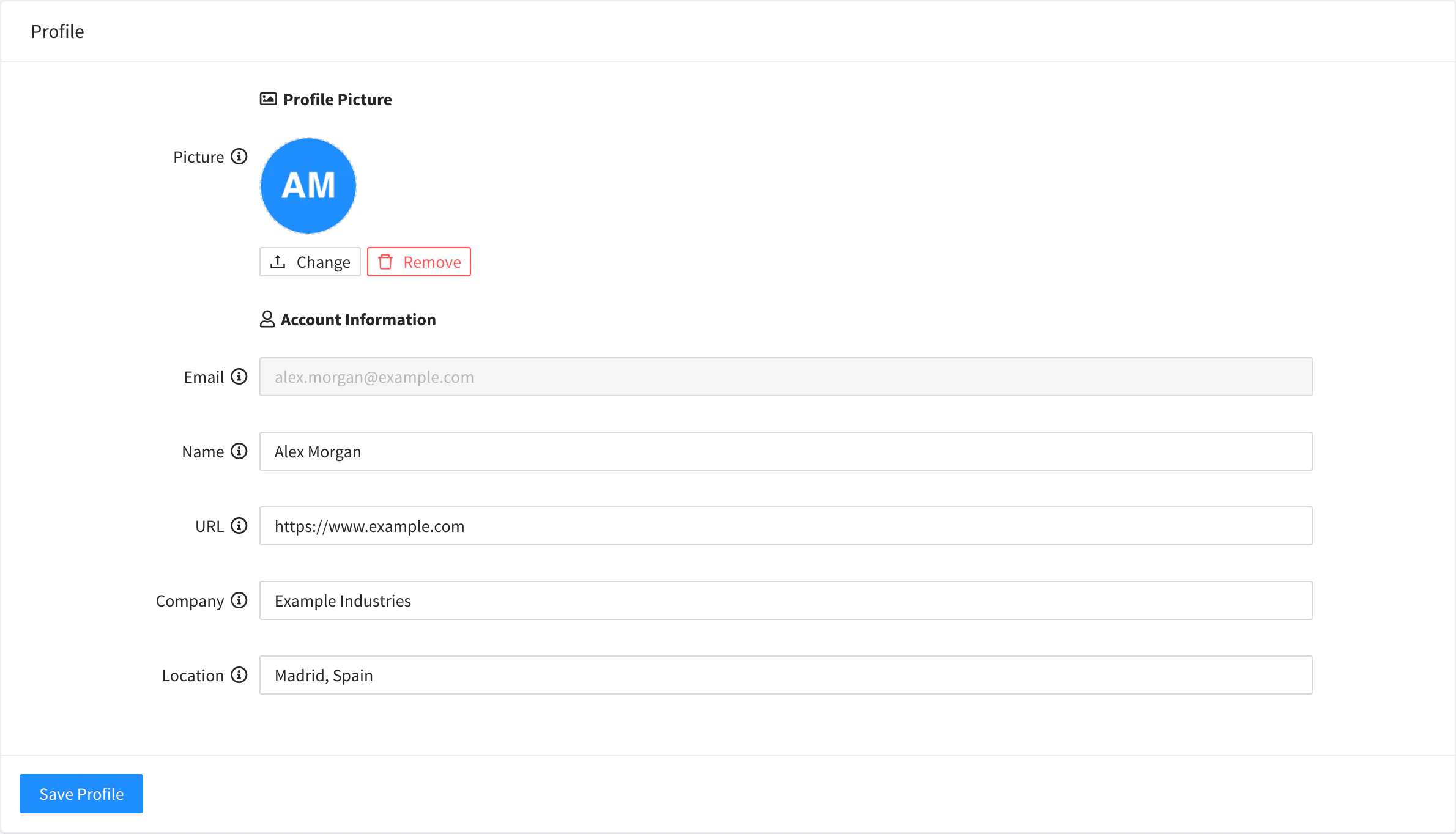
Account > Profile has two tabs:
- Profile: the Picture (PNG, JPEG or WebP, shown in a circle; 256 × 256 pixels recommended), the Name other users see, a URL, your Company and your Location. The Email is shown but cannot be changed. Click Save Profile to keep the changes.
- Properties: JSON values stored on the account itself rather than on a device or a product, for settings that apply to the whole account. They work like the properties of any other resource: see Properties.
The profile can also be read and changed with the REST API, with GET and PUT /v1/users/{user}/profile (fields name, url, company, location and picture as a base64 data URL). See the REST API reference.
The account username and email are set when the account is created and do not change. On a private instance, the administrator creates and manages accounts in User Accounts.
Learn more
SecurityProtect your account with a password, passkeys, an authenticator app, security keys and backup codes, from Account > Security in the console.PropertiesStore configuration and state as named JSON values on devices, products, asset types and groups, projects and your account, and read them from anywhere.User AccountsCreate, edit, disable and delete the user accounts of your Thinger.io instance, choose their role and set their limits.